
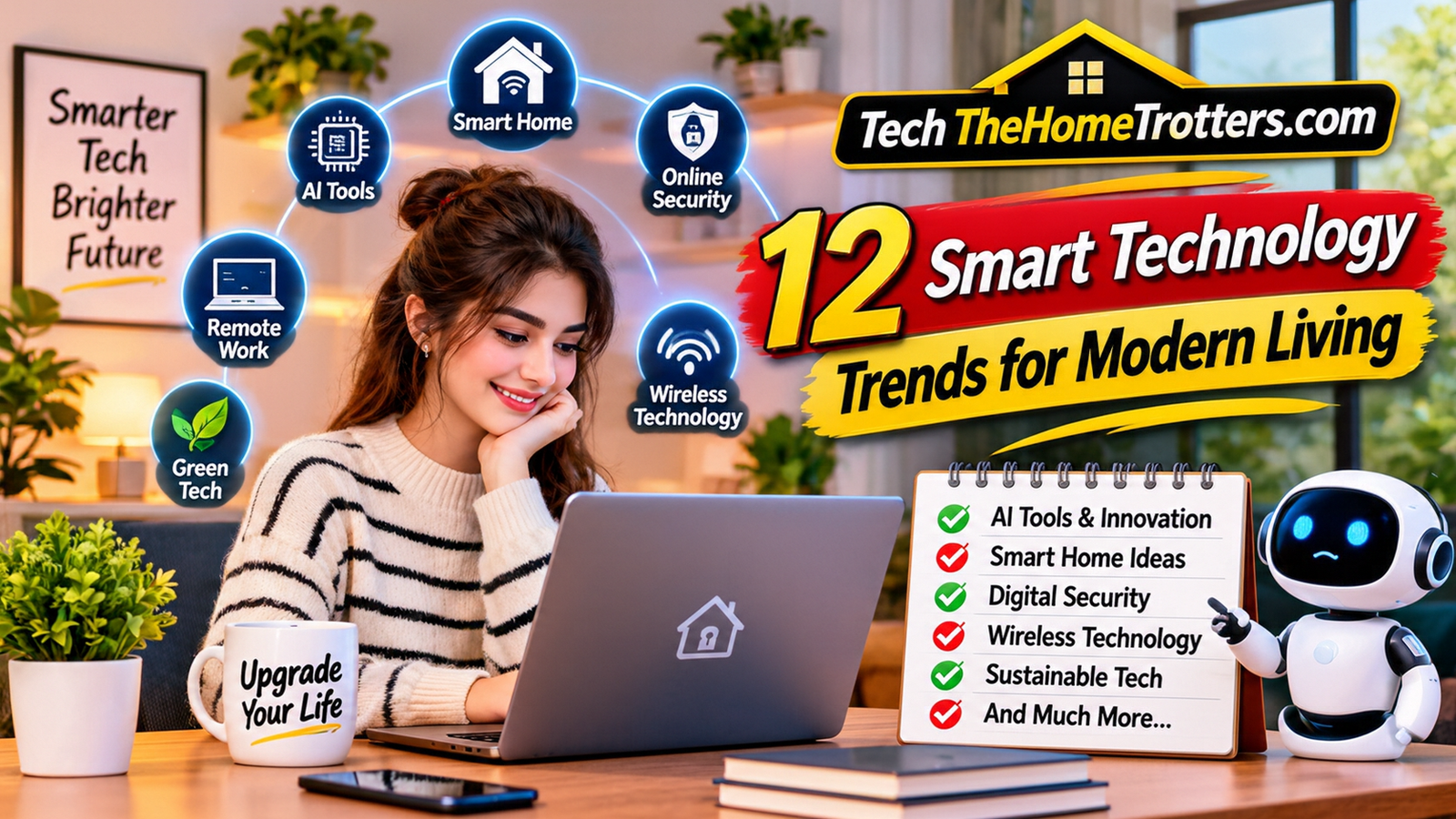
Technology is changing the way people manage their homes, organise their work, protect personal information, and spend their free time. New devices and digital services appear regularly, but understanding which developments are genuinely useful can be difficult.
The topic of tech thehometrotters.com opens the door to a wider discussion about modern digital living. From artificial intelligence and home-office equipment to connected entertainment and online privacy, technology now influences many everyday decisions.
This guide takes a fresh look at the subject. Instead of concentrating mainly on smart home upgrades, it explores the technologies, habits, and practical improvements that can make digital life more organised.
1. Artificial Intelligence Is Becoming an Everyday Assistant
Artificial intelligence has moved beyond specialist software and entered everyday applications. People can now use AI-powered services to organise information, generate ideas, summarise documents, and assist with repetitive tasks.
For someone exploring tech thehometrotters.com, AI is an important area to understand because its practical uses extend across education, business, entertainment, and household management.
Students can use suitable AI tools to create revision plans or understand difficult concepts. Professionals may use them to organise research, draft outlines, and analyse information. Small businesses can explore AI-assisted customer support and content workflows.
However, AI-generated information should always be reviewed. These systems can produce inaccurate answers, misunderstand instructions, or present outdated information. Avoid entering confidential personal or business information into services without understanding their privacy policies.
The smartest way to use AI is to treat it as an assistant that supports human decisions rather than a replacement for careful thinking.
2. Build a Home Office That Supports Productivity
Remote work and online learning have made home-office equipment more important. A productive workspace does not need to be expensive, but it should support comfort, concentration, and reliable communication.
A useful starting point is a desk with enough room for your computer, keyboard, notebook, and other essential equipment. An adjustable chair can help improve comfort during longer working sessions.
When considering tech thehometrotters.com ideas for a home office, pay attention to the complete working environment rather than focusing on the computer alone.
A dependable internet connection, suitable lighting, a comfortable monitor position, and a quality headset can make everyday tasks easier. If you regularly attend online meetings, a clear webcam and microphone may also be worthwhile.
Keep frequently used items within reach and remove unnecessary distractions. Organise charging cables and use a suitable power strip to reduce desk clutter.
A well-planned workspace can support better concentration without requiring a costly renovation.
3. Make Your Devices Work Together
Most people use several digital devices throughout the day. Smartphones, tablets, laptops, televisions, and wireless accessories often serve different purposes, but they can become more useful when their features work together.
The wider conversation around tech thehometrotters.com should include device compatibility because buying products from different manufacturers does not always guarantee a smooth experience.
Cloud storage can help synchronise documents across supported devices. Wireless headphones may connect to multiple products, while shared calendars can make appointments easier to manage.
Before purchasing a new device, check its operating system requirements, connectivity options, and supported applications.
You should also consider how easily you can transfer your existing files and settings. A product may look attractive, but difficult setup procedures can reduce its everyday value.
Choose products that fit your current digital environment. Replacing everything at once is rarely necessary.
Read more: SosoActive.com: 10 Powerful Insights Into Digital Content, Reader Experience and Online Publishing
4. Improve Your Digital Organisation
Digital clutter can become just as frustrating as physical clutter. Thousands of photographs, duplicate files, unread emails, and poorly organised folders can make it difficult to find important information.
One practical approach connected with tech thehometrotters.com is to create a simple system for managing digital information.
Start by organising documents into clearly named folders. Separate work files, personal records, photographs, and downloads. Delete unnecessary duplicates after checking that important copies are safely backed up.
Email management can also benefit from a regular routine. Create folders or labels for important messages and unsubscribe from newsletters you no longer read.
For photographs, use albums and descriptive names where possible. Back up important files to a secure location and periodically check that your backups can actually be restored.
A few minutes of organisation each week can prevent hours of searching later.
5. Understand the New Generation of Wireless Technology
Wireless technology supports many everyday activities, from internet access to connected accessories and home entertainment. Wi-Fi, Bluetooth, and newer connectivity standards each serve different purposes.
Readers interested in tech thehometrotters.com should understand that a newer wireless standard is not automatically the best choice for every situation.
Wi-Fi is commonly used for internet connectivity and local networks. Bluetooth supports short-range connections between devices such as headphones, keyboards, and speakers. Other wireless technologies may be designed for low-power sensors and smart home equipment.
Before upgrading, check which standards your existing devices support. A new router may offer advanced features, but older phones and laptops might not take full advantage of them.
Network coverage, internet speed, interference, and device compatibility all matter. Select equipment based on your actual requirements rather than buying something simply because its specification sounds impressive.
6. Make Online Entertainment More Convenient
Digital entertainment has changed significantly. Streaming services, online gaming, podcasts, digital books, and music applications give people more ways to enjoy their free time.
The entertainment side of tech thehometrotters.com can include practical ways to create a better viewing, listening, or gaming experience.
A streaming device may add online services to a compatible television. Wireless speakers can improve audio around the home, while headphones may provide a more private listening experience.
Gamers should consider display refresh rates, network stability, storage capacity, and controller compatibility when selecting equipment.
Subscriptions deserve attention too. Paying for several services at once can become expensive, especially when some are rarely used. Review your subscriptions regularly and keep the services that provide genuine value.
A comfortable entertainment setup is built around personal preferences, available space, and a realistic budget.
7. Protect Your Digital Identity
Online accounts contain information that deserves protection. Email addresses, payment details, personal photographs, and private conversations can all become targets for cybercriminals.
Digital safety should be a central part of any tech thehometrotters.com discussion because convenience is only useful when personal information is handled responsibly.
Use a unique password for every important account. A reputable password manager can help you create and store strong credentials. Enable multi-factor authentication wherever it is available.
Be careful with unexpected emails, suspicious attachments, and messages asking you to verify account details through unfamiliar links.
Keep your phone and computer updated. Security updates can address vulnerabilities that attackers may otherwise exploit.
For additional guidance, the official National Cyber Security Centre guidance provides practical information about protecting devices, accounts, and personal data.
You should also review account recovery options and remove access from applications you no longer use.
8. Explore Energy-Conscious Technology
Technology can help households understand and manage energy use. Monitoring devices, efficient lighting, and selected automation features may provide useful information about electricity consumption.
A practical tech thehometrotters.com approach should explain how these products work instead of assuming every smart device automatically saves money.
Energy-monitoring plugs can measure the consumption of compatible connected appliances. Smart lighting systems may support schedules, while suitable climate controls can help manage heating and cooling.
However, results depend on the appliance, electricity rates, usage habits, and product specifications.
Before buying an energy-monitoring device, check its supported voltage, current rating, and safety certifications. Never connect equipment beyond its rated capacity.
You can also reduce unnecessary electricity use by switching off unused equipment and selecting efficient products when replacements are needed.
The goal is to make informed decisions based on actual consumption rather than relying on marketing promises.
9. Keep Your Technology Healthy With Regular Maintenance
Digital devices need maintenance if you want them to remain dependable. Dust, heat, outdated software, damaged cables, and insufficient storage can affect performance over time.
For readers following tech thehometrotters.com, maintenance is a useful topic because it can extend the practical life of existing equipment.
Keep laptop vents clear and use devices on suitable surfaces that allow airflow. Clean screens with products designed for electronic displays. Avoid exposing equipment to moisture or excessive heat.
Check available storage occasionally. Remove applications you no longer need and transfer important files to a secure backup location.
Battery care also deserves attention. Use compatible chargers and follow the manufacturer’s recommendations rather than relying on unverified online battery tricks.
For computers, monitor unusual noises, overheating, unexpected shutdowns, and repeated performance problems. These signs may indicate a hardware or software issue that needs attention.
10. Make Smarter Technology Choices for Families
Families often use technology for different reasons. Children may need devices for education, parents may use them for work, and everyone may share televisions, internet connections, or entertainment systems.
A family-focused perspective on tech thehometrotters.com should consider accessibility, safety, and shared responsibilities.
Create clear household rules for screen time, online behaviour, and device use during meals or study sessions. Younger users may need age-appropriate privacy settings and parental supervision.
Shared calendars can help coordinate school activities, appointments, and family events. Cloud storage may also make it easier to share selected documents and photographs.
When purchasing devices for children, consider durability, repair costs, educational requirements, and parental controls.
Technology can support family communication and learning when everyone understands how to use it responsibly.
11. Prepare for More Sustainable Technology Habits
Electronic waste is an increasing concern as people replace phones, computers, chargers, and household equipment. A more sustainable approach starts with making thoughtful purchasing and disposal decisions.
The sustainability angle of tech thehometrotters.com can help readers think beyond the initial price of a device.
Before replacing a product, consider whether a repair, battery replacement, or storage upgrade could restore its usefulness. Check whether manufacturers or authorised repair centres offer suitable services.
When purchasing something new, look for repair information, warranty coverage, software support, and energy efficiency.
Old electronic equipment should not automatically go into ordinary household waste. Use recognised electronics recycling programmes or approved collection services where available.
Buying fewer unnecessary devices and keeping suitable products for longer can reduce waste and help control expenses.
12. Explore Emerging Technology Without Rushing Into Purchases
New technology attracts attention because it promises different ways to work, communicate, and enjoy digital services. Artificial intelligence, wearable devices, augmented reality, and connected products are examples of areas continuing to develop.
The future-facing side of tech thehometrotters.com should help readers understand these developments without assuming every new release is essential.
Wearable devices can track selected activity and provide notifications. Augmented reality applications can overlay digital information onto real-world views. AI-powered services can assist with tasks that once required more manual effort.
Each technology has limitations. Features may depend on subscriptions, compatible smartphones, internet access, or regional availability.
Before spending money, read independent reviews and check the manufacturer’s official documentation. Look for evidence of practical performance rather than relying entirely on promotional demonstrations.
Waiting for a product to mature can sometimes be a better decision than purchasing the first available version.
Technology Habits That Can Make a Real Difference
Small changes can improve your digital routine without requiring new equipment.
- Review application permissions every few months.
- Back up important photographs and documents.
- Update operating systems and essential applications.
- Organise downloads and remove unnecessary files.
- Use unique passwords for important accounts.
- Check recurring subscriptions and cancel unused services.
- Compare specifications before purchasing accessories.
- Keep devices away from excessive heat and moisture.
These habits are simple, but consistency matters. Readers exploring tech thehometrotters.com can use them as a starting point for a more organised digital environment.
A Simple Framework for Evaluating New Technology
Not every new product deserves a place in your home or workspace. Use these questions before making a purchase.
| Evaluation area | Question to ask |
|---|---|
| Purpose | What problem will this product solve? |
| Compatibility | Will it work with my existing equipment? |
| Security | Does it receive updates and offer suitable privacy controls? |
| Usability | Can I use its features without unnecessary complexity? |
| Cost | Are there subscriptions or additional expenses? |
| Durability | Is the product designed for regular use? |
| Support | Does the manufacturer provide warranty and technical assistance? |
This framework gives the tech thehometrotters.com reader a practical way to compare products before making a decision.
It also encourages a more balanced approach to technology. A useful purchase should fit your requirements, budget, and existing digital habits.
Read more: Global Trade for Food is booming, but what does it really yield?
Frequently Asked Questions
What topics are covered by tech thehometrotters.com?
The keyword can be explored through subjects such as digital lifestyle, smart devices, home-office equipment, artificial intelligence, online security, and everyday technology. Verify the identity and services of any specific website independently before treating it as an official source.
How can I make my digital lifestyle more organised?
Start by organising files, managing email, using secure cloud backups, and reviewing applications you no longer need. A consistent weekly routine can make digital organisation easier.
Is artificial intelligence useful for everyday tasks?
Yes. AI tools can assist with research, planning, writing, summaries, and other activities. Their output should still be checked for accuracy, relevance, and privacy concerns.
How often should I update my devices?
Install important security updates when they become available. For major operating system upgrades, check compatibility and back up important data before proceeding.
How can I reduce technology expenses?
Compare products, avoid unnecessary subscriptions, repair suitable devices, and buy equipment based on actual requirements. Refurbished products from reputable sellers may also offer value.
Final Thoughts
Modern technology offers plenty of opportunities, but the best results come from using it thoughtfully. A productive workspace, organised digital files, secure accounts, reliable connectivity, and well-maintained devices can all improve everyday experiences.
The ideas discussed in this guide show how tech thehometrotters.com can be explored through several different aspects of modern digital living. From AI-powered assistance to sustainable purchasing habits, each area offers practical ways to make better decisions.
As you explore tech thehometrotters.com, focus on tools that solve real problems and fit your lifestyle. Compare products carefully, protect your personal information, and avoid spending money on features you do not need.
Technology should support your goals and make everyday tasks easier to manage. Start with one useful improvement, build good digital habits, and let your setup grow according to your needs.
